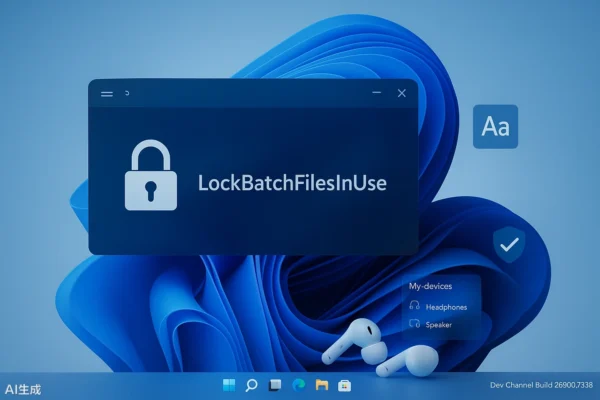
Microsoft Releases Windows 11 Beta 26220.7934/Dev 26300.7939 Preview: Introduces Batch File Anti-tampering Mechanism

Microsoft Releases Windows 11 Beta 26220.7934/Dev 26300.7939 Preview: Introduces Batch File Anti-tampering Mechanism

Microsoft on Friday released a blog post inviting Windows Insider Program members to test the new preview build for Windows 11. After installing KB5077242 in the Beta channel, the build number increased to Build 26220.7934; after installing KB5077243 in the Dev channel, the build number increased to Build 26300.7939. This update is pushed out via…
Read More
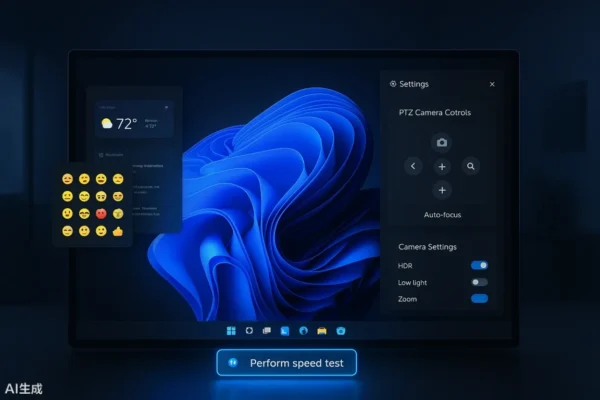
Microsoft Releases Windows 11 Canary 28020.1673 Preview: Adds Network Speed Test and Built-in Camera Gimbal Control

Microsoft Releases Windows 11 Canary 28020.1673 Preview: Adds Network Speed Test and Built-in Camera Gimbal Control

Microsoft on Friday published a blog post inviting Windows Insider Program members from the Canary channel to test the KB5077240 update for Windows 11. After installation, the version number will be upgraded to Build 28020.1673. In terms of daily user experience, Microsoft has introduced Emoji 16.0 in the preview version of the emoji panel and…

Read More
Apple Releases Official Version of VisionOS 26.3.1, Fixes Flickering Issue When Watching Apple TV Sports Events on Vision Pro

Apple Releases Official Version of VisionOS 26.3.1, Fixes Flickering Issue When Watching Apple TV Sports Events on Vision Pro

Apple on Thursday released visionOS 26.3.1 for the Vision Pro headset, just two weeks after the official release of visionOS 26.3. It should be noted that due to caching issues in Apple’s regional server configurations, there may be a slight delay in the detection of upgrade updates in some areas, which is generally within half…

Read More
Apple Releases iOS/iPadOS 26.4 Developer Preview Beta 2

Apple Releases iOS/iPadOS 26.4 Developer Preview Beta 2

Apple on Monday released iOS/iPadOS 26.4 Developer Preview Beta 2 (build number: 23E5218e) to iPhone and iPad users, 7 days after the last Beta/RC release. How do I upgrade to the iOS/iPadOS/watchOS/macOS developer and public beta versions? • Public beta: Requires registration for  the Apple Beta Software Program, then upgrade via Settings > General > Software Update…

Read More