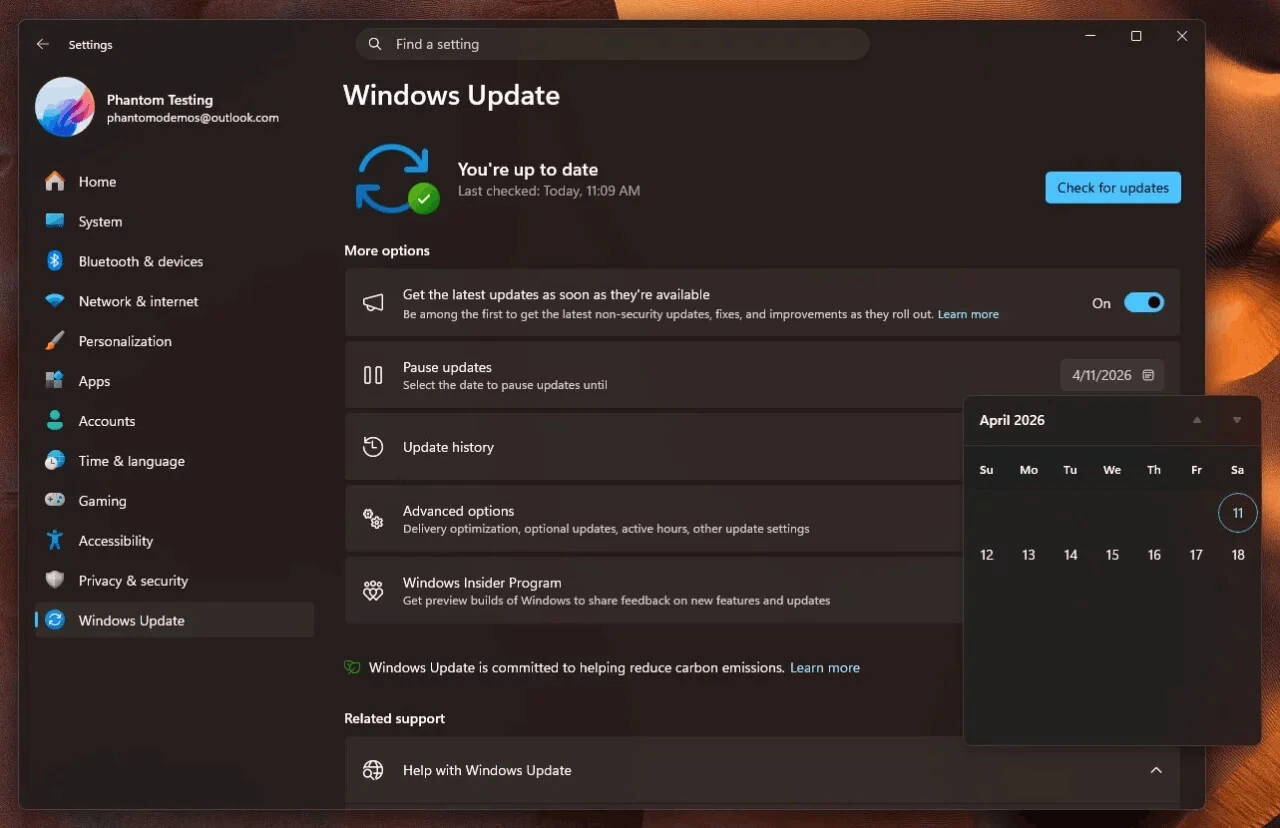
Microsoft on Friday released a blog post inviting Windows Insider Program members to test the new preview build for Windows 11. After installing KB5077242 in the Beta channel, the build number increased to Build 26220.7934; after installing KB5077243 in the Dev channel, the build number increased to Build 26300.7939.
This update is pushed out via an enablement package. The updated content of the two preview versions is basically the same, focusing on testing multiple underlying security mechanisms and improving user experience.
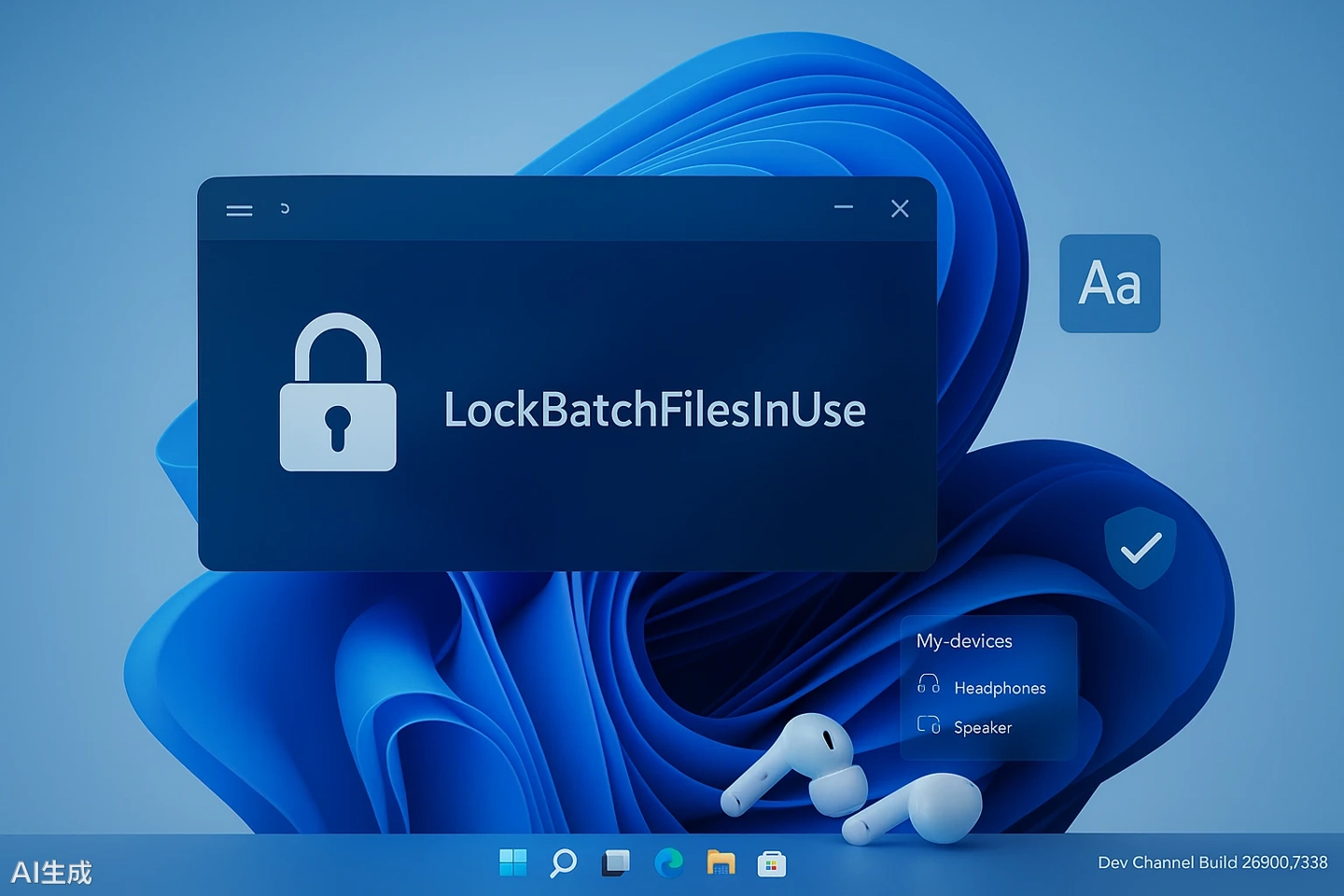
In terms of system security, the biggest highlight of this update is the introduction of the LockBatchFilesInUse mechanism. Administrators can modify the registry to forcibly lock batch files and CMD scripts during execution, preventing malicious tampering of the scripts midway.
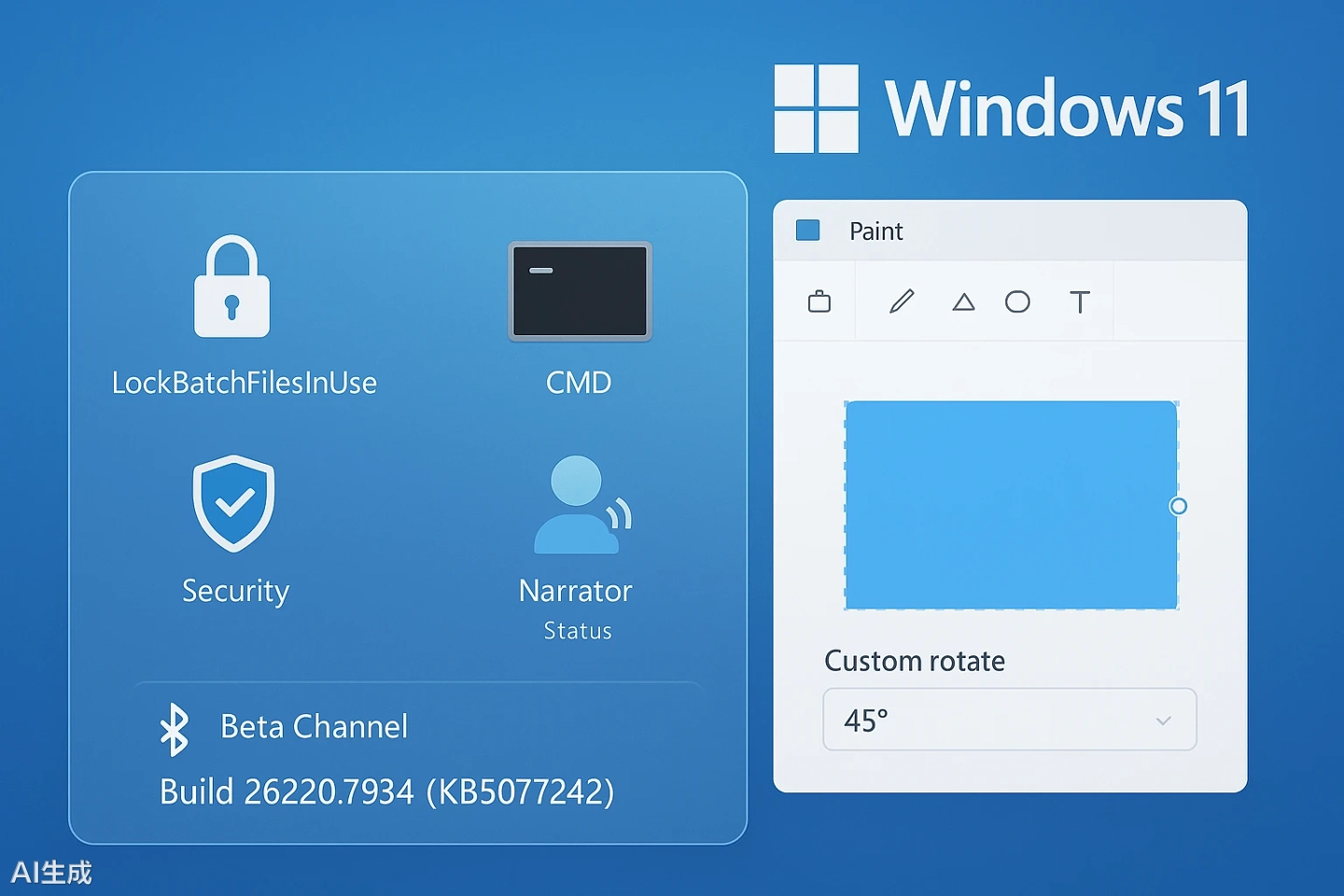
Microsoft points out that this change reduces the frequency of repeated signature verification during code integrity checks, improves system performance, and significantly reduces performance overhead under App Control policies.
In terms of multimedia experience, this update is based on the Bluetooth LE Audio “Shared Audio” preview version. To address the issue of differing volume preferences when multiple people are listening together, Microsoft has now provided each connected listener with an independent volume slider.
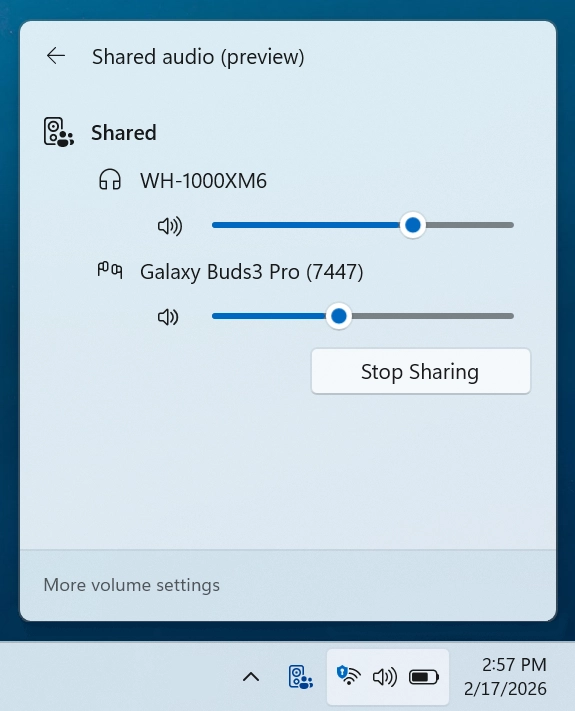
In addition, a sharing status indicator will be displayed in the taskbar, allowing users to quickly manage audio streams. Microsoft has confirmed that this feature is currently compatible with new peripherals that support LE Audio, such as the Samsung Galaxy Buds 4 series, Sony WF-1000XM6, and Xbox Wireless Headphones.
For accessible interaction, the “Narrator” feature has added a dedicated shortcut key (Narrator key + backslash) to read the status bar content. Blind or visually impaired users can directly obtain word count statistics in Word or summation data in Excel without switching the view focus.
In addition, the system has fixed several underlying reliability issues, including optimizing the animation effect of automatically hiding the taskbar and improving system stability when cleaning up Windows update files and the “windows.old ” directory.
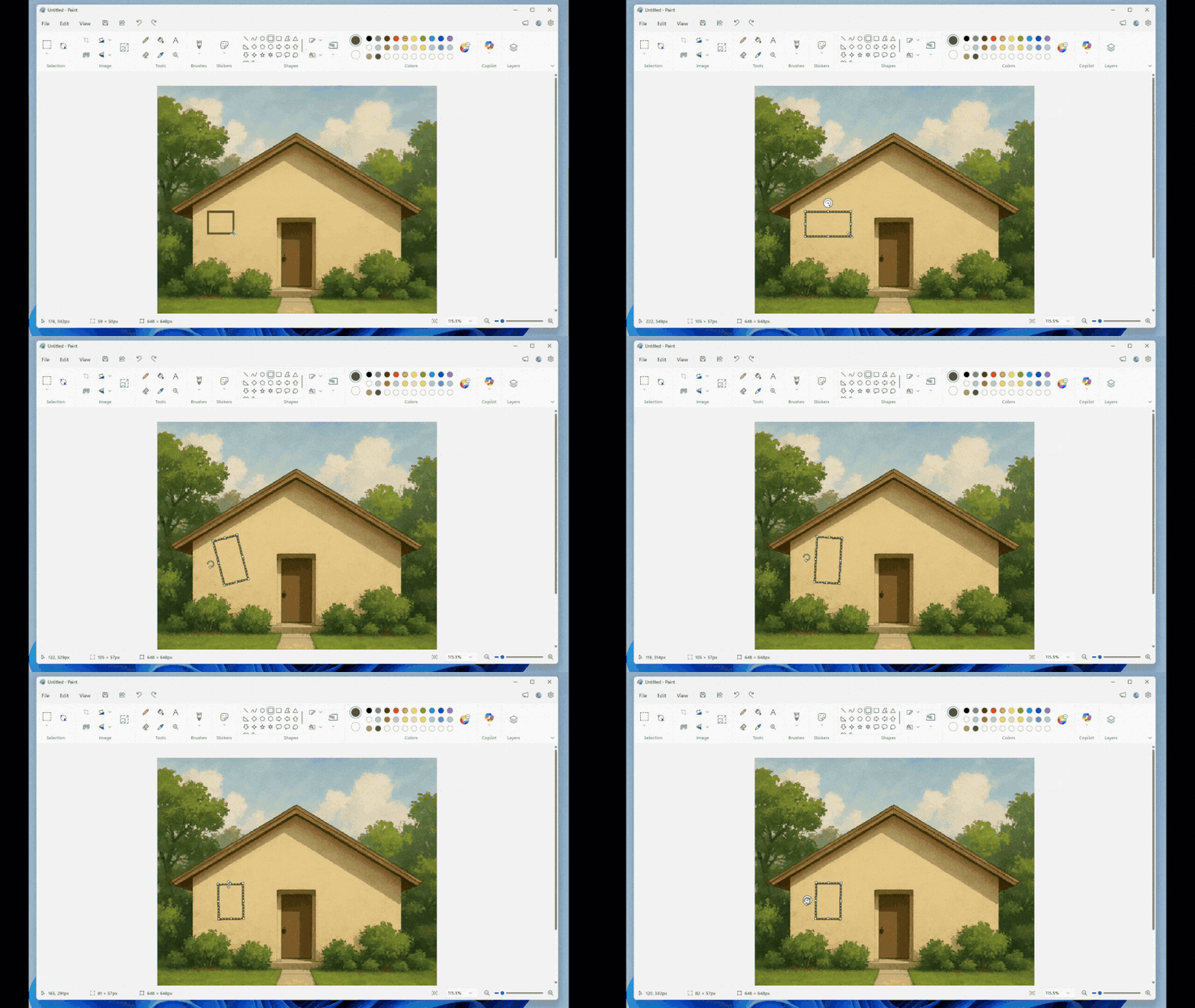
Finally, in terms of everyday application, the “Paint” application, version 11.2601.391.0, officially added the “Free Rotation” tool. After activating an object, users can freely rotate it at any angle by dragging the rotation handle or enter a precise angle in the “Custom Rotation” option.