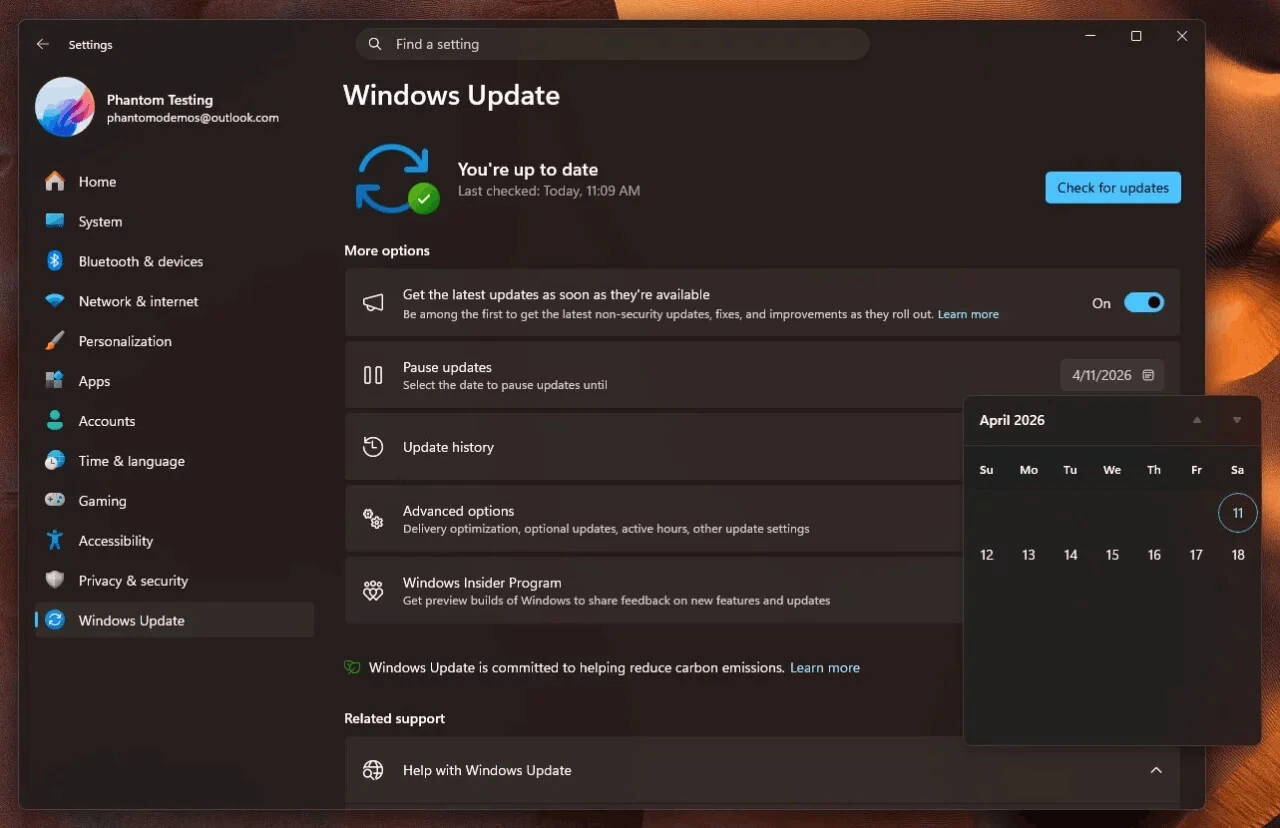
Microsoft on Friday published a blog post inviting Windows Insider Program members from the Canary channel to test the KB5077240 update for Windows 11. After installation, the version number will be upgraded to Build 28020.1673.
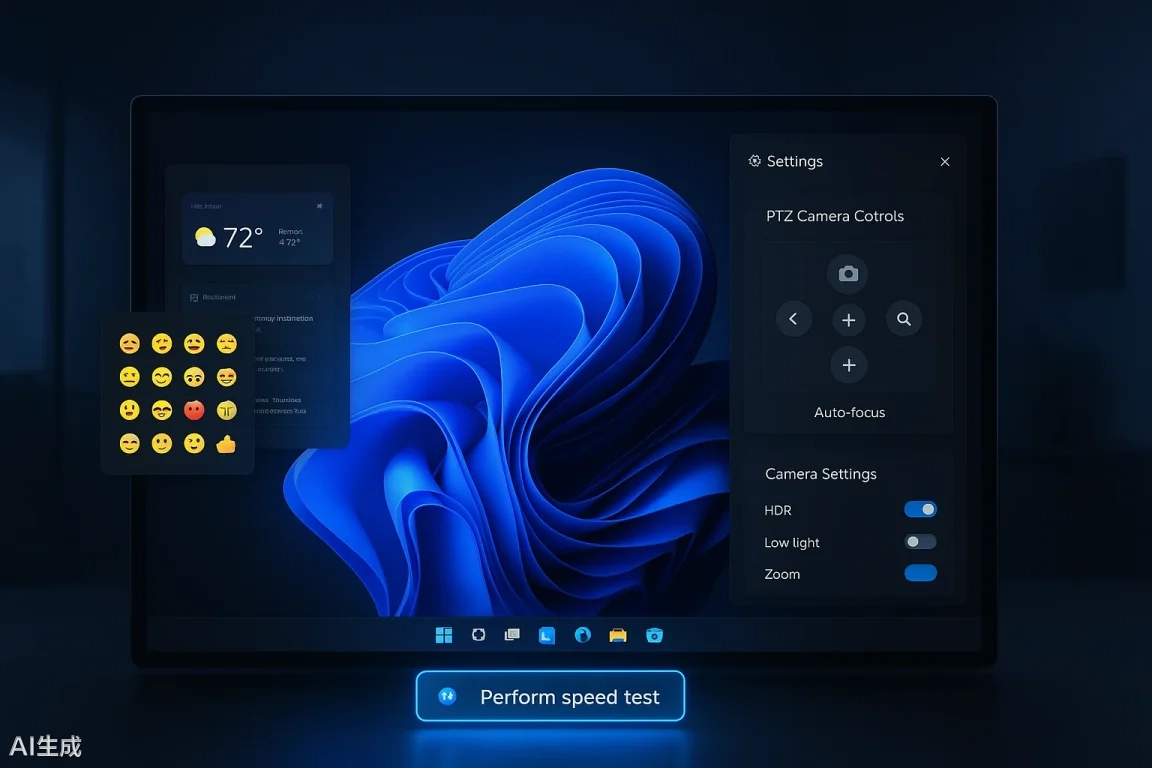
In terms of daily user experience, Microsoft has introduced Emoji 16.0 in the preview version of the emoji panel and upgraded the widget settings to a full-screen independent interface, making it easier for users to customize their feed more intuitively.
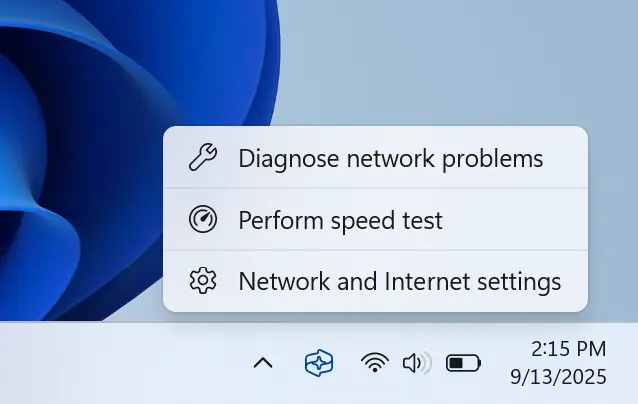
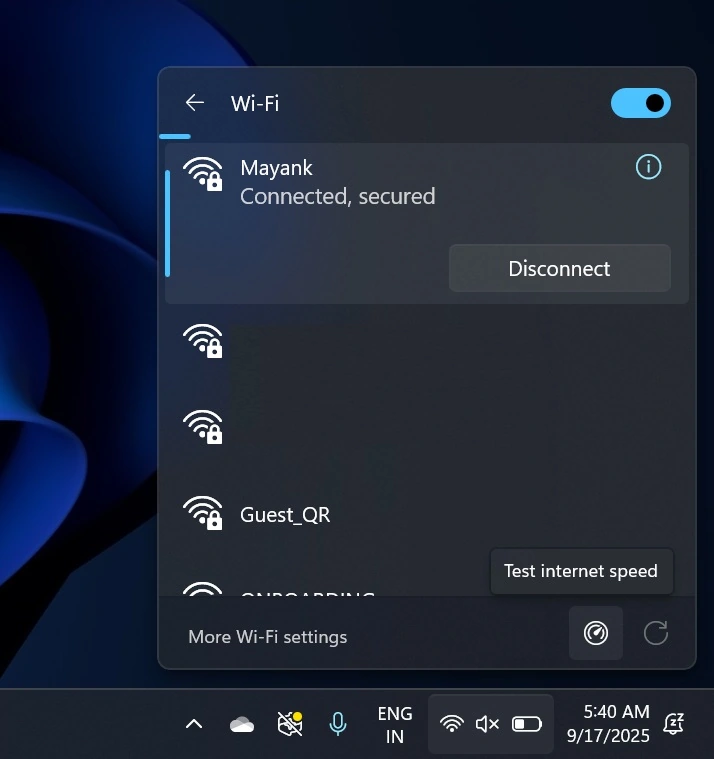
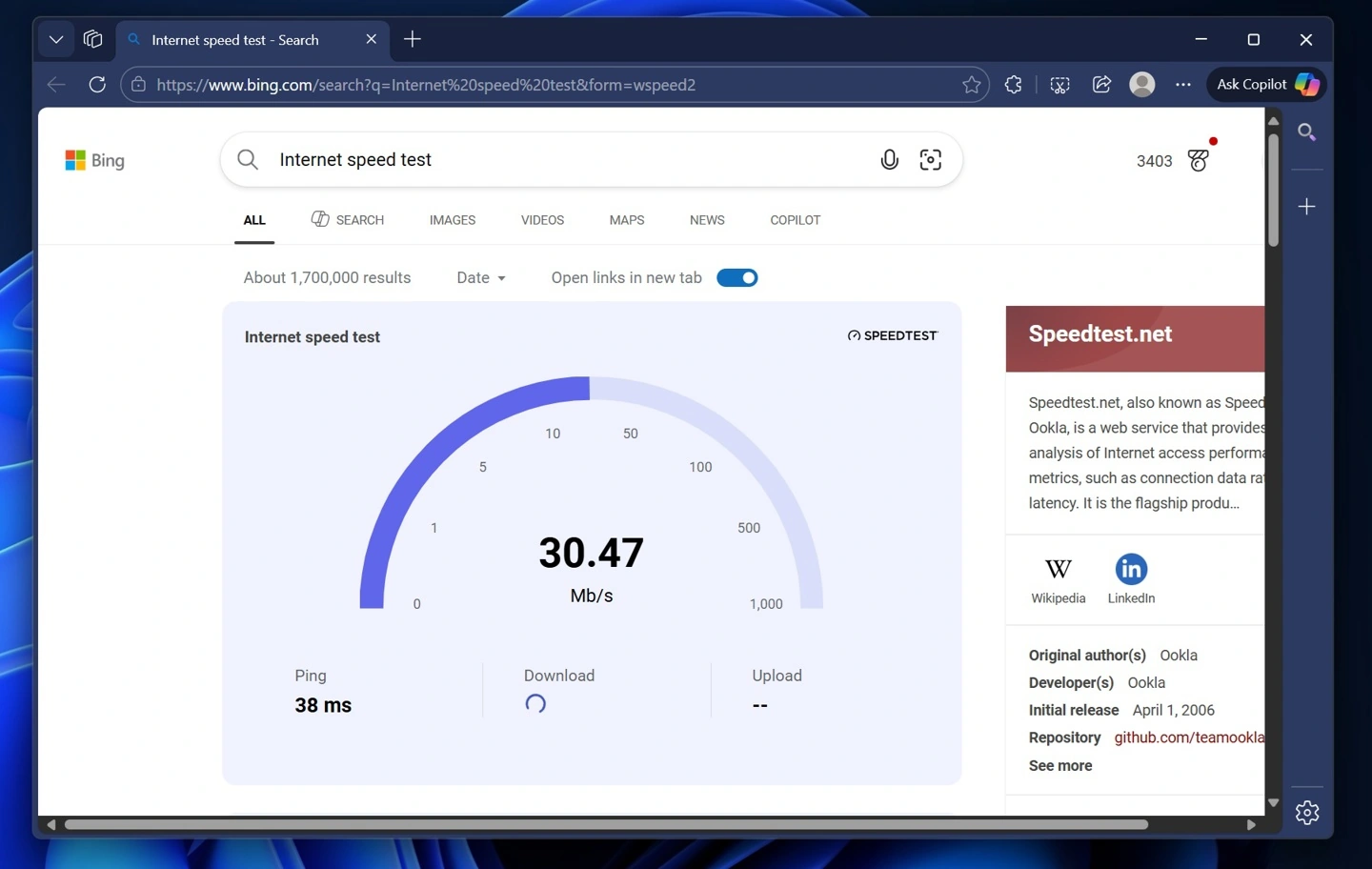
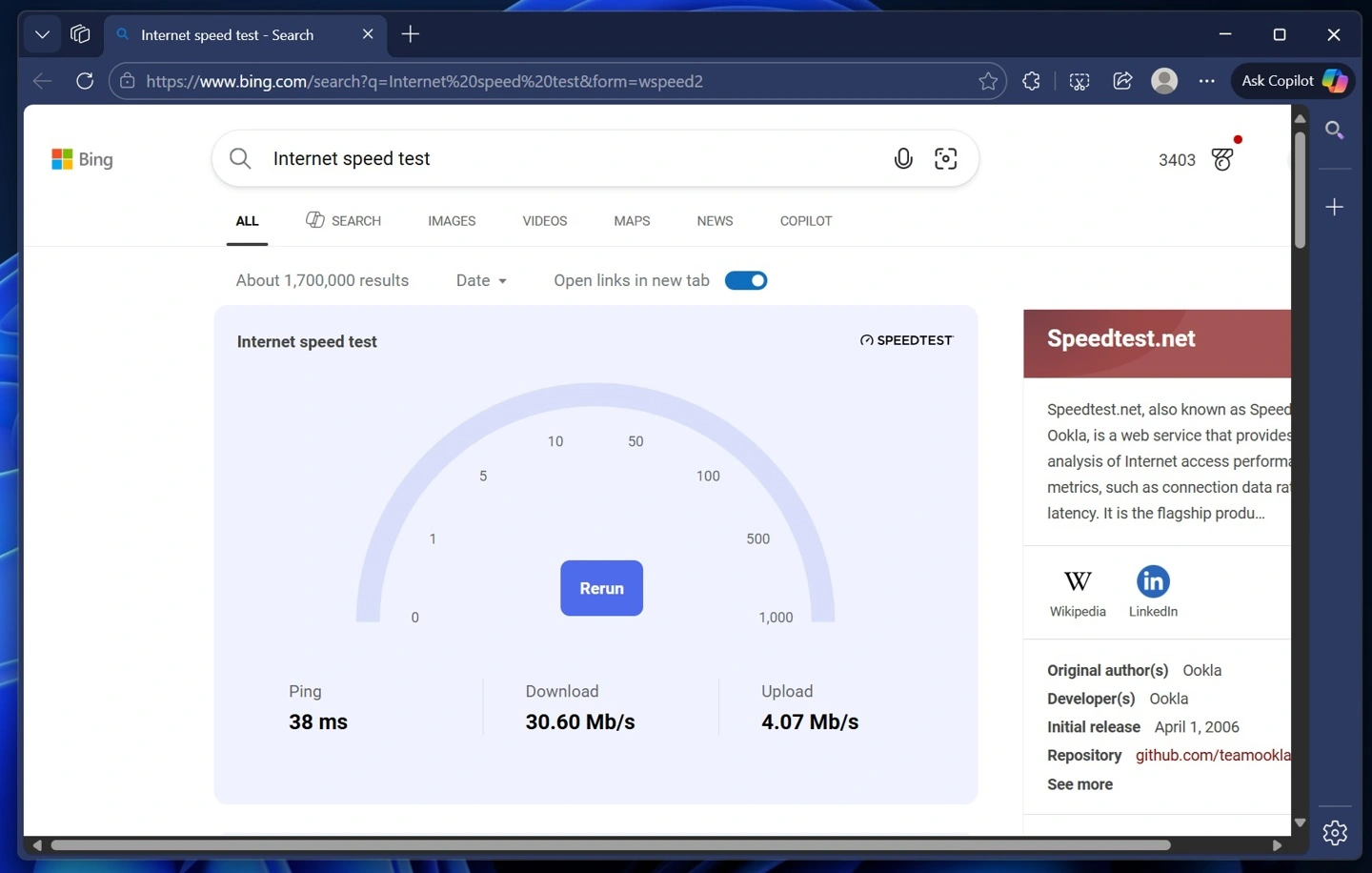
Regarding network connectivity, the new system version adds a “Test Network Speed” shortcut button to the network panel in the taskbar and the Wi-Fi quick settings. After clicking this option, the system will directly open a web-based speed test tool in the default browser, providing quick feedback on latency, download, and upload speeds.
However, this feature is essentially a shortcut for webpage speed testing, rather than a local hardware-level diagnostic engine, and the test results may be affected by browser proxies or corporate firewalls.
In terms of compatibility, the new system natively integrates PTZ (pan-tilt-zoom) camera control functionality in the “Bluetooth and other devices” settings for peripheral hardware.
According to a blog post, as long as a user’s webcam supports the standard control protocol, the horizontal, vertical, and zoom angles of the image can be adjusted directly within the system settings. This not only eliminates the hassle of downloading proprietary software from third-party vendors but also greatly facilitates those working in mixed-op environments who frequently participate in video conferences.
Microsoft has introduced two important improvements in enterprise-level device management and disaster recovery. First, the Quick Machine Recovery (QMR) feature will be enabled by default on non-domain-managed Windows Pro devices. This feature can automatically retrieve cloud-based repair packages via Windows RE after a device fails to boot consecutively.
For enterprise administrators, the biggest highlight of this update is the official support for RSAT (Remote Server Administration Tool) on the Arm64 architecture. Administrators can now directly install management modules such as Active Directory and DNS servers on Arm64 devices.
In addition, the update adjusts the Quick Machine Recovery (QMR) behavior of managed Pro devices and fixes unexpected jumps in File Explorer and stability issues when transferring large files using “Nearest Share,” comprehensively enhancing device management capabilities in enterprise environments.