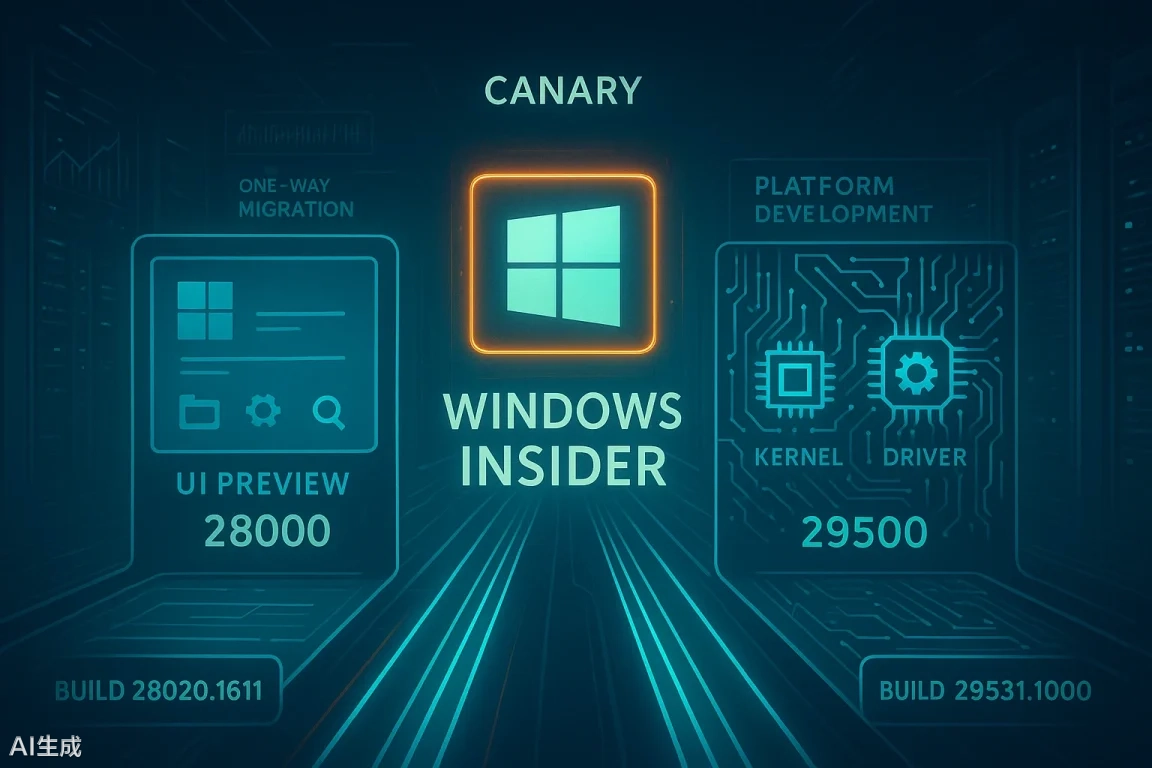
Microsoft 0n Friday published a blog post inviting members of the Windows Insider program on the Canary channel to test the latest preview builds for Windows 11, build numbers 29565.1000 and 28020.1812.
The existing 28000 series (such as Build 28020.1812) will continue to focus on the 26H2 feature preview, suitable for most testers; while the 29500 series (such as 29565.1000) will specialize in low-level platform development, verifying radical changes to the underlying architecture, such as kernel, driver interfaces and hardware compatibility.
The two preview versions have essentially the same update content, mainly adding the ability to adjust the size of the right-click area on the touchpad, optimizing the drag-and-drop tray interaction to reduce accidental touches, and enhancing the Secure Boot status display in Windows Security.
In terms of general improvements, the system enhances the smoothness of the bubble screensaver on high refresh rate displays. Regarding the sharing function, Microsoft has optimized the drag-and-drop tray interaction design, using a smaller preview view to reduce accidental touches when operating from the top of the screen.
In terms of input experience, the system has added a function to adjust the size of the right-click area of the touchpad. Users can choose from four sizes—default, small, medium, and large—in “Settings > Bluetooth & Devices > Touchpad,” which solves the problem of accidental touches or inconvenient operation caused by the fixed right-click area in the past.
In terms of interaction optimization, the drag-and-drop tray now features a smaller preview view, reducing the chance of accidental touches when users operate from the top of the screen. Regarding security, the Windows Security app has been updated. The “Device Security > Secure Boot” page now uses green, yellow, and red icons to visually display the device’s secure boot status and certificate status, helping users quickly identify security risks such as expired certificates. This feature is disabled by default on enterprise devices.
The system’s built-in applications have been updated synchronously. Feedback Hub has been upgraded to version 2.2604.101.0, fixing issues such as the window size not being remembered across sessions, the mouse back button not being able to turn pages, and the like button displaying abnormally in the Chinese interface. Loading of community feedback content has also returned to normal.